Content Creator: Zero to Pro
Learn how to turn content into a source of income and build your personal brand.
Start299,00 ₾Pro499,00 ₾
You start from module 1 — today.
or from 74,75 ₾/month · Split payment · 4 months · 0%
Try it free
Watch 2 lessons free
No signup. See what the course looks like from the inside.
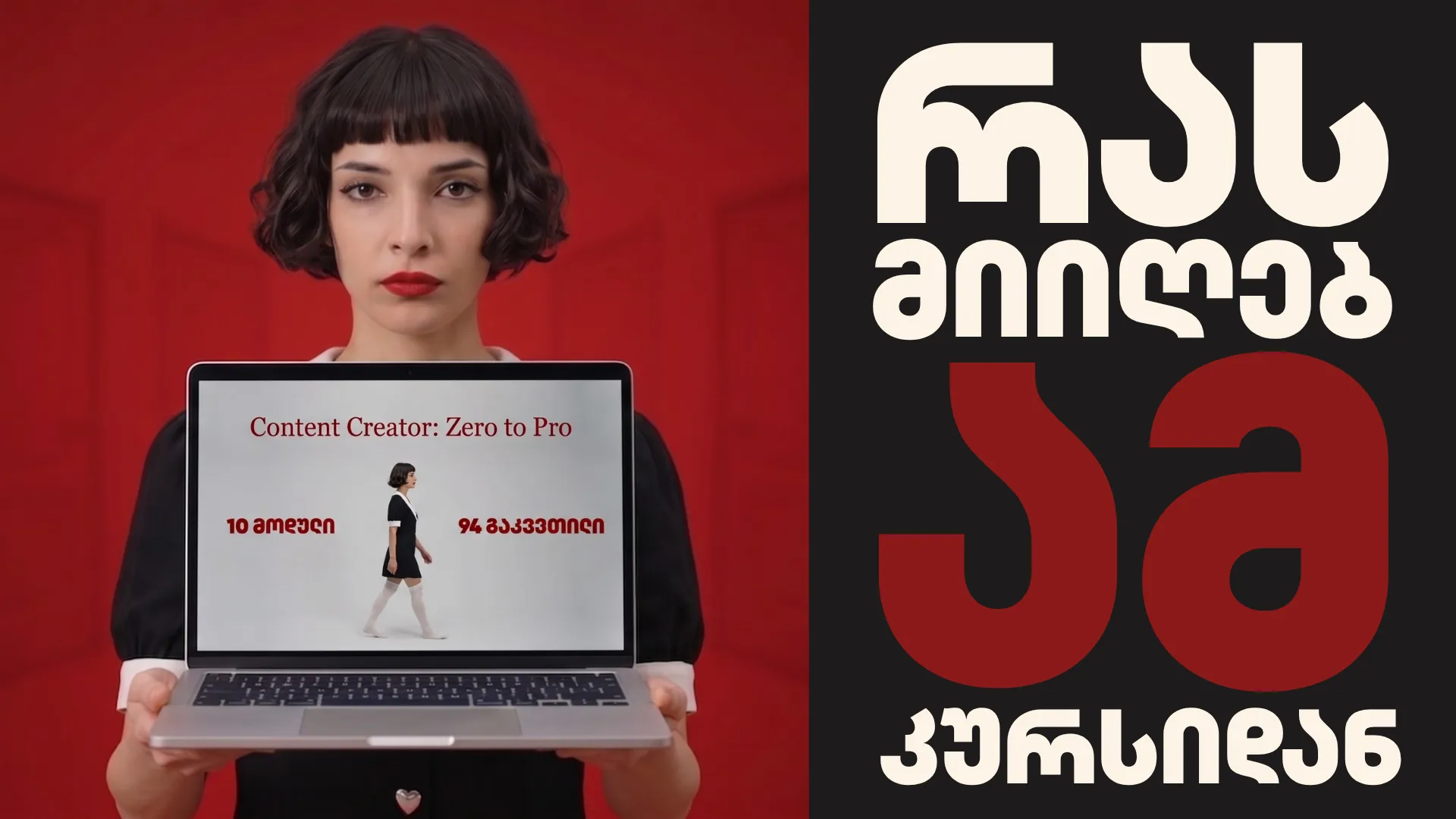
Hear it from me directly.
Before you decide, watch this 90-second intro. I explain what the course covers, who it's for, and what you'll be able to do by the end.
Is this course
actually for you?
Run through both lists below. Most people know within thirty seconds.
Curriculum
90+ lessons. 10 modules. One complete system.
Explore the full curriculum below. Expand any module to see what's inside.
How the course is built and what actually determines success as a creator.
The structure, the logic, and the fastest path through it depending on where you're starting.
It's not equipment, talent, or luck. Here's what the data from thousands of channels actually shows.
What nobody tells you before you start — and why most people quit in month three.
Why waiting for better gear is procrastination with a plausible-sounding excuse. Channels that reached a million followers on a phone.
Watch free →Why you look strange to yourself on video and nobody else does. What the first fifty videos feel like vs what they look like from the outside.
Watch free →Why the video you post anyway will always outperform the perfect one you never finish. How to tell the difference between "needs work" and "I'm afraid to post."
Why measuring yourself against creators who are years ahead is pointless. The only comparison that actually helps.
How to read a bad result as data, not a verdict. What to analyze. Why the correct next step is always the same.
The difference between useful criticism and noise. How to respond to feedback that matters. How to handle hate.
Why waiting to feel inspired doesn't work. How to build a system that produces content even on bad days.
What a real growth curve looks like — including the long flat part at the beginning. What month three feels like and how to get through it.
How algorithms work on TikTok, Instagram, Facebook, and YouTube — and how to make them work in your favor.
The three signals that determine who sees your video across every platform: retention, engagement, and completion. Why production quality is almost irrelevant.
How the For You Page scores content in the first hour. Why the first 3 seconds decide everything. What's working right now.
Why Reels, Stories, and Feed have completely separate algorithms with separate goals. When each one matters.
Why Facebook still pushes Reels harder than Instagram does — and why your reach there can outrun every other platform. How sharing and group activity weight the algorithm. When to cross-post and when to film native.
How search and recommendations work differently. Why your thumbnail is half the video. How Shorts feeds a separate algorithm.
What you can reuse across platforms without reshooting. How to adapt one piece of content to four formats. Which tools make it automatic.
How to find the intersection of what you know, what you enjoy, and what people search for. How to validate before filming anything.
Who exactly you're making videos for — and how knowing that changes every decision about tone, length, topic, and thumbnail.
How to batch-film so you're never scrambling. How to decide posting frequency per platform without burning out.
How to mine comments, search, Reddit, and competitors for ideas. How to use AI for brainstorming. How to turn one idea into ten videos.
Ideas, hooks, and structure — before you touch the camera.
Why "I'll do editing tips" isn't an idea. How to find the specific angle that makes someone stop scrolling. Twenty ideas from one broad topic.
Three seconds that determine whether someone watches or scrolls. Three hook formats that work everywhere. How to write five and pick the winner.
Hook, content, call to action — fitting a complete idea into thirty seconds. How retention loops work and how to build one.
How to hold attention for ten to sixty minutes. Curiosity loops, complexity ladders, and what to do at the ten-minute mark.
Full script, bullet points, or freeform — what works for which creator and format. The real pros and cons of a teleprompter.
How to use AI as a first draft without it sounding like AI wrote it. Which parts to always rewrite. Prompts that actually work.
How to make any topic emotionally compelling. The surface problem vs the deeper one. Why vulnerability builds trust faster than expertise.
How to spot trends before they peak. How to adapt them to your niche. How to tell when a trend is already dead.
Phone, light, sound, and everything else. No studio required.
Which settings actually matter — resolution, fps, stabilization — and which don't. Why you don't need a new phone to start.
Which microphone to buy first, ring light vs natural light, tripod vs selfie stick. Specific products by budget. What to get now vs later.
Why lighting makes more difference than any camera upgrade. Natural window light, different times of day, shooting at night without a studio.
What your background communicates before you say a word. Simple setups that look intentional. How to make any room work.
Why audiences forgive bad picture but not bad audio. Clean sound without a microphone. How to identify and fix echo in any space.
When each format applies. How to shoot once and get footage for both. How cropping affects what to put in the frame.
Where to look, how fast to speak, when to pause. How to stop feeling like a different person when you press record.
What b-roll is and when your video needs it. How to film hands, screens, and actions when shooting alone.
Shooting with editing in mind — tempo, in-camera transitions, one take vs multiple cuts, filming to a trending sound.
Long-form setup, recording without a crew, screen recording for tutorials, multi-camera without an operator.
Camera shake, glare, focus drift, bad backgrounds, shooting into light — each one and its fix.
Naming, folders, backup, cloud storage, transferring between devices. How to never lose a file.
CapCut, workflow, and getting it done without it taking all day.
Import, arrange, trim, add music, export. Your first complete edited video, start to finish.
Text overlays, title cards, animated text, auto-subtitles — styled so they're readable on mobile.
Which transitions look intentional and which give you away. How effects should serve the video's energy.
Adding music, syncing cuts to the beat, voiceover recording, balancing music against speech.
Slow motion, speed ramp, freeze frame — when each changes the feel of a clip and when they're just distracting.
How to cut to a rhythm, match trend transitions, and use CapCut templates without looking like everyone else.
Brightness, contrast, highlights, shadows. Presets for a consistent look. What LUT files are and how to apply them.
Rough cut to finished export without redoing the same section four times. How long editing should actually take.
DaVinci Resolve and the quality difference between a creator and a media brand.
Project folder structure before DaVinci even opens — Raw, Assets, Exports, Projects. Creating and naming a project, and stripping the interface down to what you actually need.
The pages — Media, Cut, Edit, Fusion, Color, Fairlight, Deliver. Project Manager, importing your footage, and your first timeline.
The three cut types and what each does to sound. J-cut and L-cut for natural-sounding conversation. Removing pauses without leaving clicks.
Noise reduction, voice EQ, compression, track balance. Making a phone-recorded voice sound like it was recorded in a studio.
Text vs Text+ — which to use for real work. Font rules, sizing, and styling.
Two b-roll workflows — laid over the top or beside.
Why your eyes lie and a waveform doesn't. Reading scopes, primary corrections, and matching clips on the Color page.
Pre-export checks, the Deliver page, and the right settings.
Look like you belong in the top 1% before you have their numbers.
Why recognizable beats beautiful. A visual system — colors, fonts, layout — that makes your content identifiable before anyone reads the title.
The right dimensions, fonts readable at small sizes, contrast, and the face-plus-text-plus-color formula that drives clicks.
How CTR actually works. Why the emotion on your face matters more than the design. Text under five words. What kills CTR.
Sizing for Stories, Feed, Reels covers, and Facebook banners. Templates that keep your profile consistent.
Text and element animation, exporting as video, using in Reels and Stories without video editing software.
Professional vs amateur text overlays. Sizing for mobile. Drop shadows, outlines, and free font options.
How music copyright works and what happens when you use a track you shouldn't. Where to find royalty-free audio.
Where to find free stock video and images, usage rights, how to search, when AI-generated images make more sense.
Analytics, SEO, and what actually moves the numbers.
CTR, average view duration, retention curve, traffic sources. How to read the retention graph and use it to restructure your next video.
Completion rate, shares, reach — what matters and what is a vanity metric. How growth logic differs between short and long-form.
How people discover videos through search. Titles, descriptions, tags, and chapters that get found. TubeBuddy and VidIQ.
A step-by-step diagnostic: hook, thumbnail, topic, quality, timing, niche. How to identify which variable is the problem.
How hashtags work on each platform in 2026, how many to use, which to combine, and where they are essentially useless.
How to find the right partner, what to propose, what formats work, what makes a collab grow both channels.
Why the first 24 hours after posting matter most. How to build a real audience through how you respond.
Optimal posting times, how often to post without burning out, descriptions, what to do the first hour after publishing.
Content audit, testing new formats, when to change direction and when to keep going.
Why almost every creator hits it, how batch filming prevents it, how to take a break without losing what you've built.
Work in half the time. Look twice as professional.
One AI instead of five. Antigravity for the computer, the app for your phone, and Flow for video.
Prompts that bring real results, and ways to check what the AI generates.
How to get text that doesn't sound robotic or generic. Which part you always write by hand, to keep it authentic.
Covers, thumbnails, and shots that are physically impossible to film.
Generating around 50 videos a month with Gemini and Flow. When and how to use AI for B-roll.
The free schedulers built into the platforms. When a paid tool is worth a creator's money.
Permissions, agents, and scheduled tasks. Practical use: competitor research and building your own tracker.
A workflow built from zero, with AI helping at every stage. What stays your own work, and where a human is required.
Every income stream, what it actually pays, and exactly how to get there.
A Georgia-grounded look at platform payouts and creator income, with your own small product at the center. Homework: name one small product.
Choose a video course, PDF guide, or consultation (no ebooks). Use AI interviews to shape it, structure and package a course, make a PDF in Canva or AI, create a lead magnet, and build a small offer ladder. Filming is covered in modules 4–6.
Compare selling through a site builder with the simple lane: Facebook or WhatsApp DM, bank transfer, then email or Drive delivery. DM sales technique belongs here.
Print on demand from Georgia, realistic margins, and examples across clothing, cosmetics, perfume, and cases. Briefly covers China dropshipping; points local sellers toward Georgian Facebook groups and FB/IG/TikTok lives, not Etsy.
Set up a personal profile, required business page, Instagram connection, and verification with a Georgian registry extract. Follow IE-first sequencing; the only forward pointer is to lesson 10.10. Verification pending does not stop setup.
Organic first, then use Ads Manager on a proven post across both platforms. Test broad audiences for 3–4 days at 10–15 GEL/day, then use cost per result to stop expensive campaigns. Never use Boost.
Build a ManyChat comment trigger, button-choice message, and branches. Covers the two whys, the 24-hour window, Essential (about $17), and the human conversation after the bot, with roleplay practice.
Explain referral links, find programs reachable from Georgia, and use prompts as a fishing rod to locate programs in your niche.
TikTok and Facebook lives as launch events, with positioning and a moderator tip. Briefly explain donations and Patreon honestly for international students.
Register as an individual entrepreneur on rs.ge, explain the 1% small-business status and growing debt, connect the Bank of Georgia app with rs.ge, cover foreign income, point to accountants without quoting prices, and close Module 10.
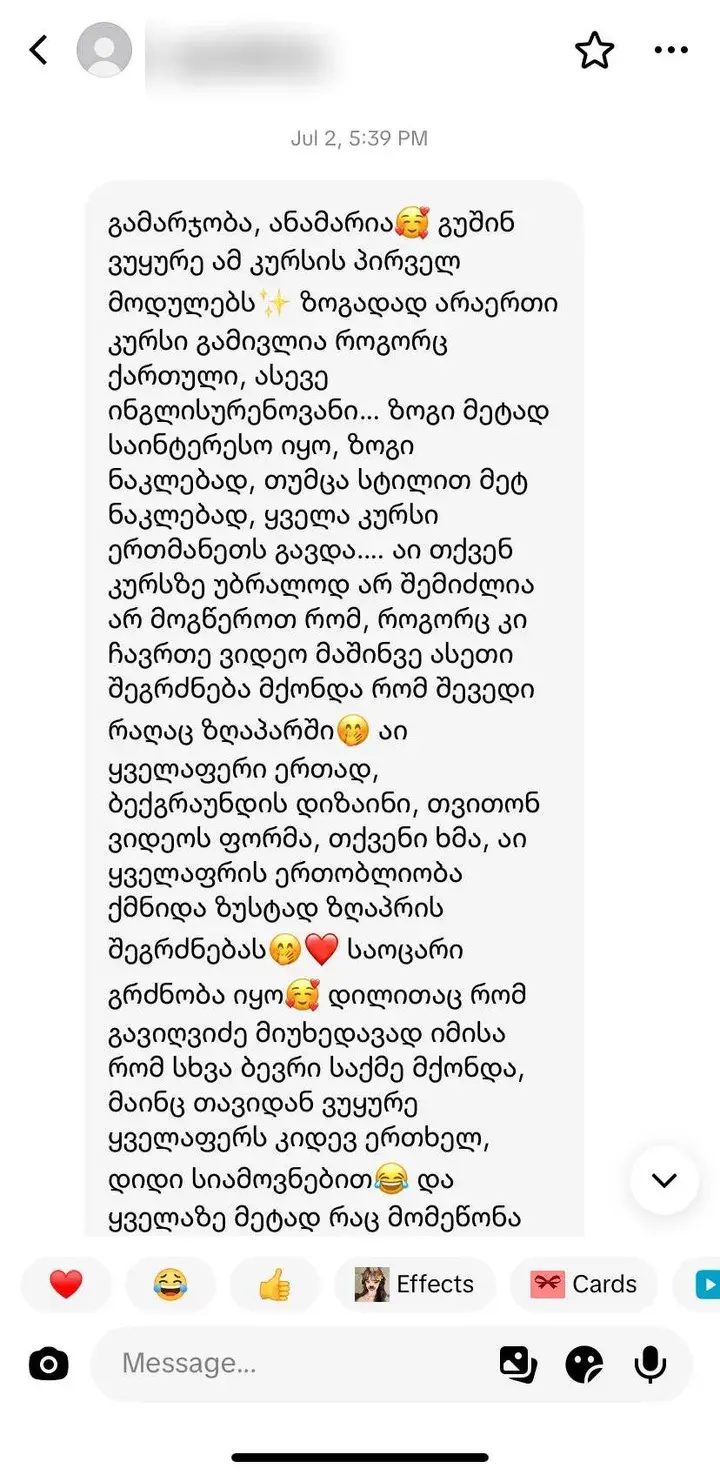
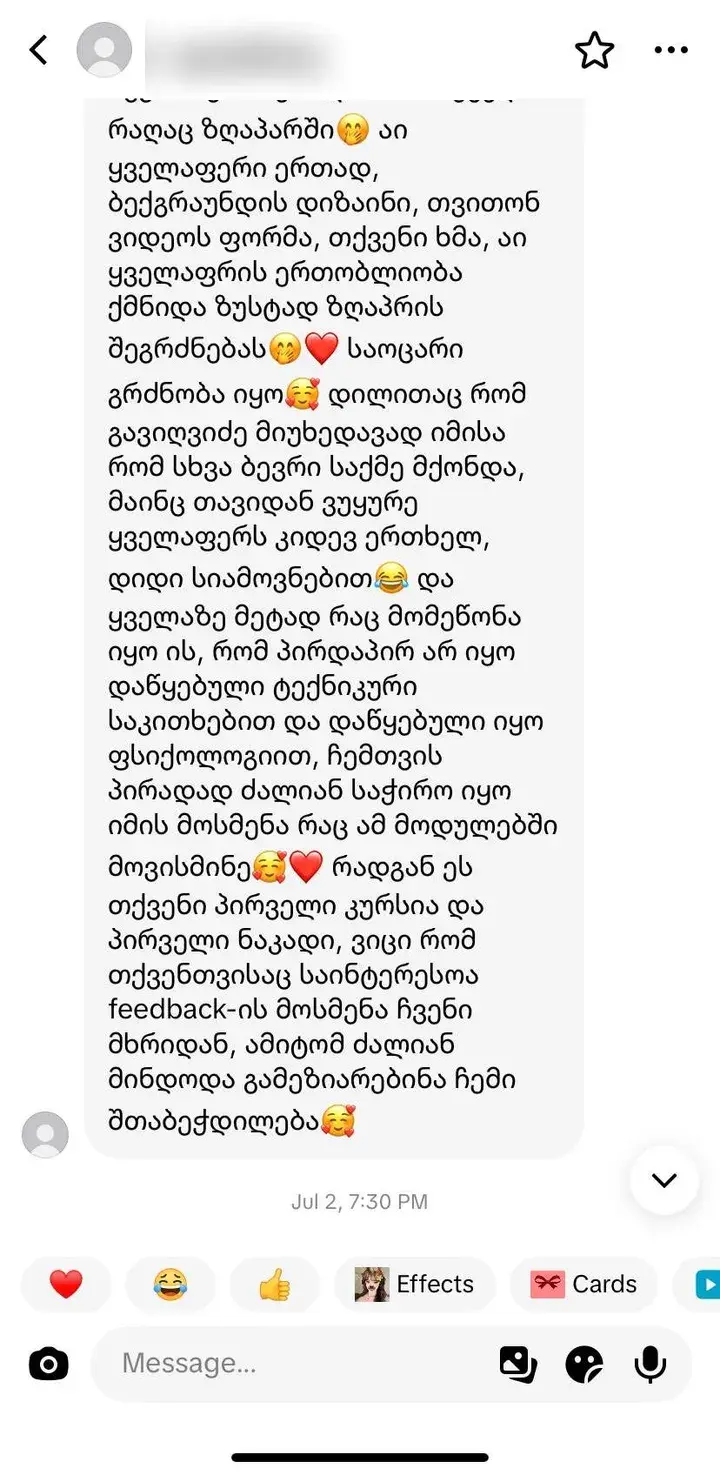
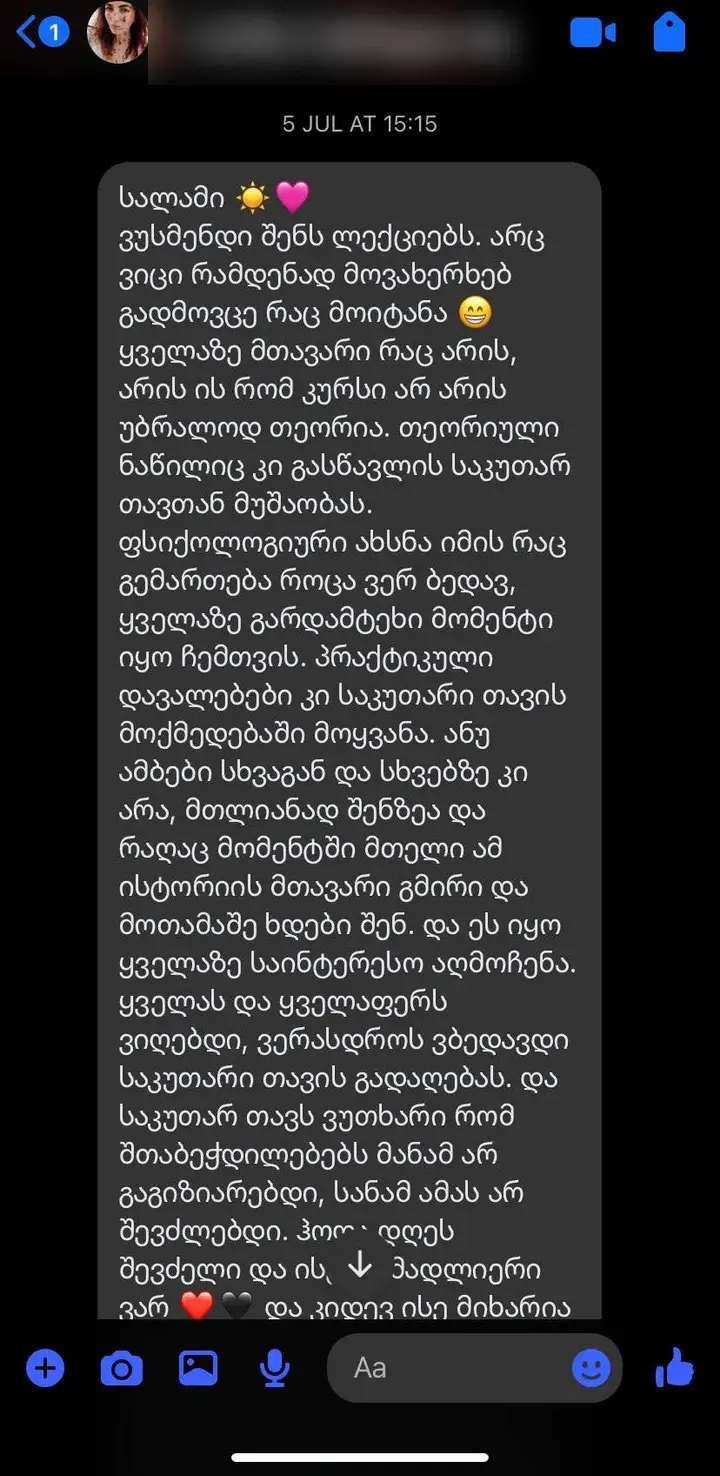
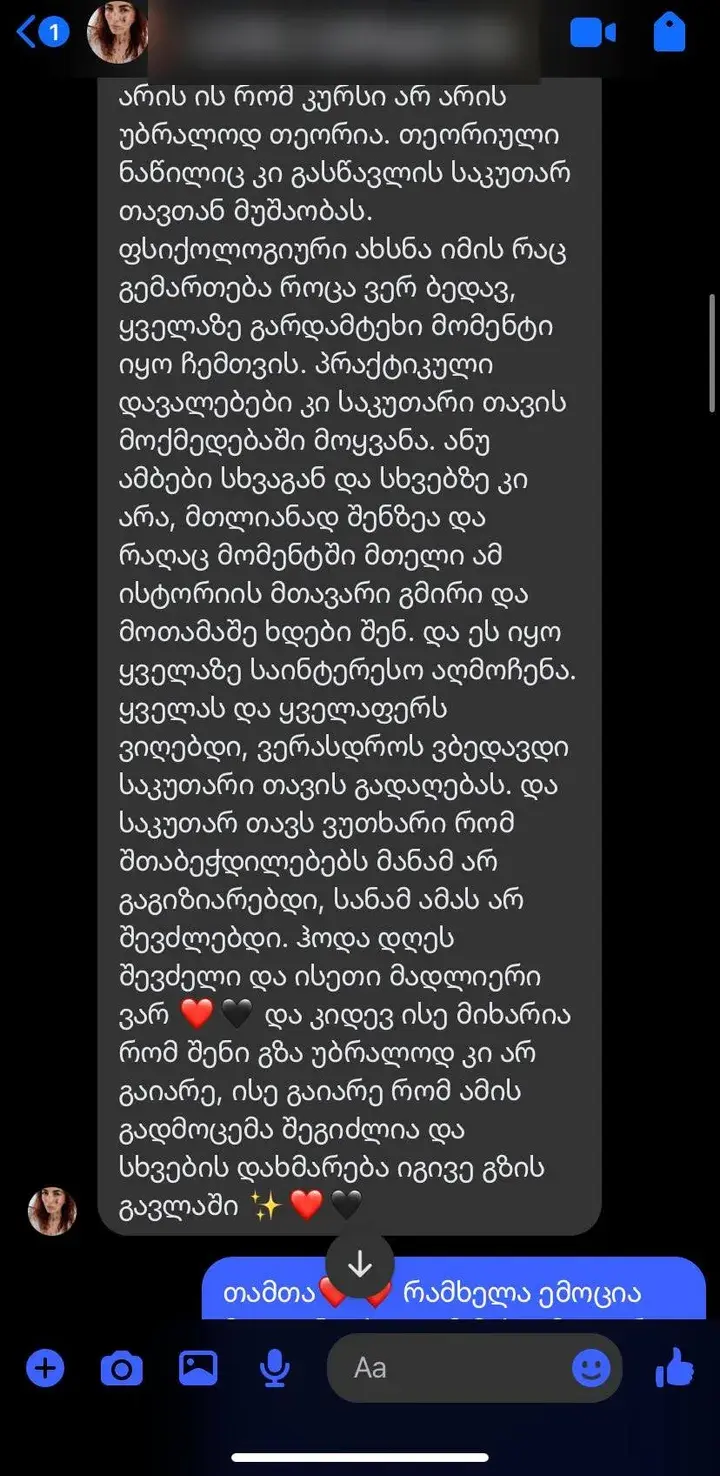
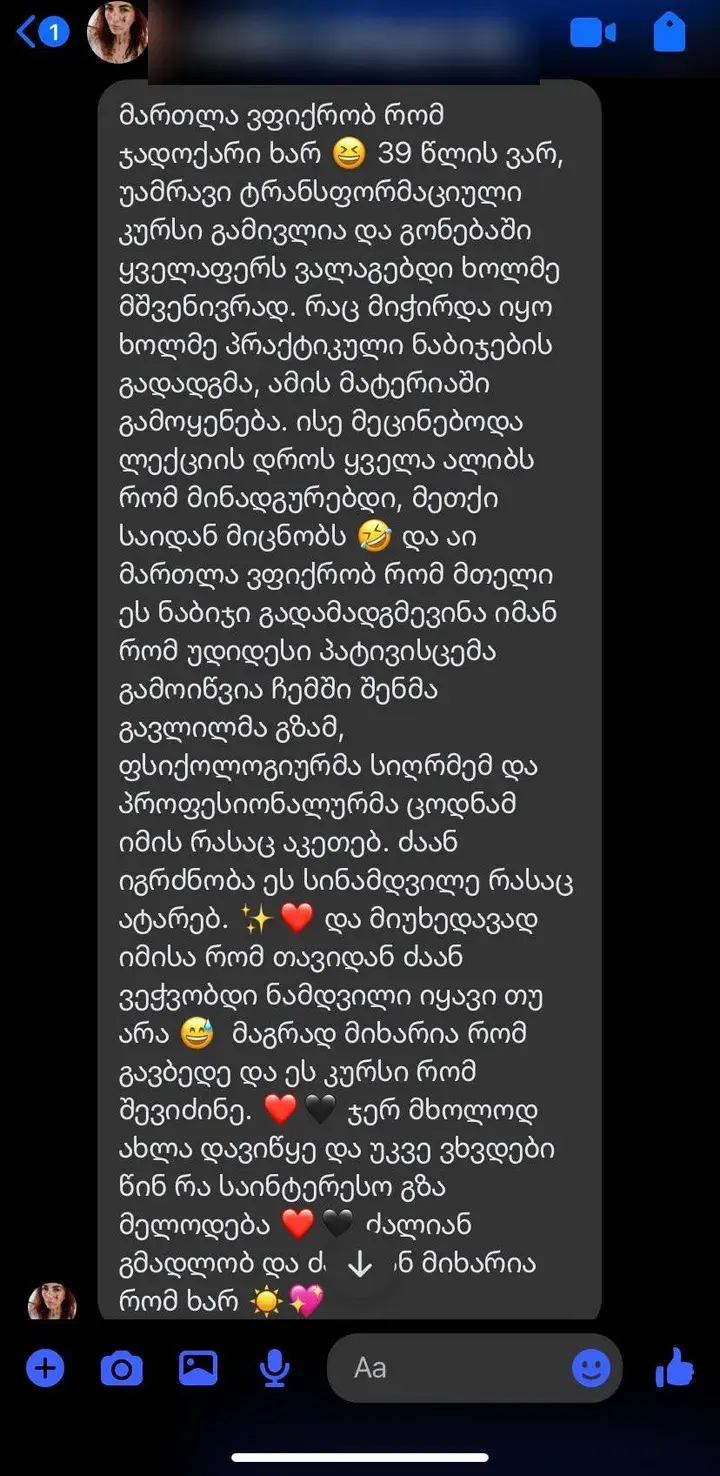
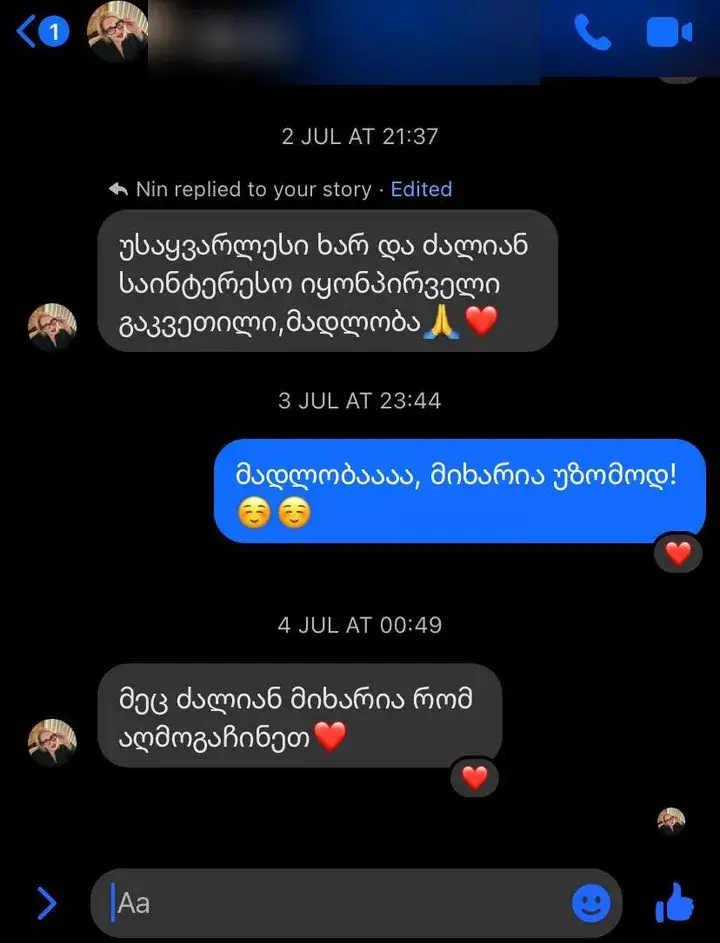
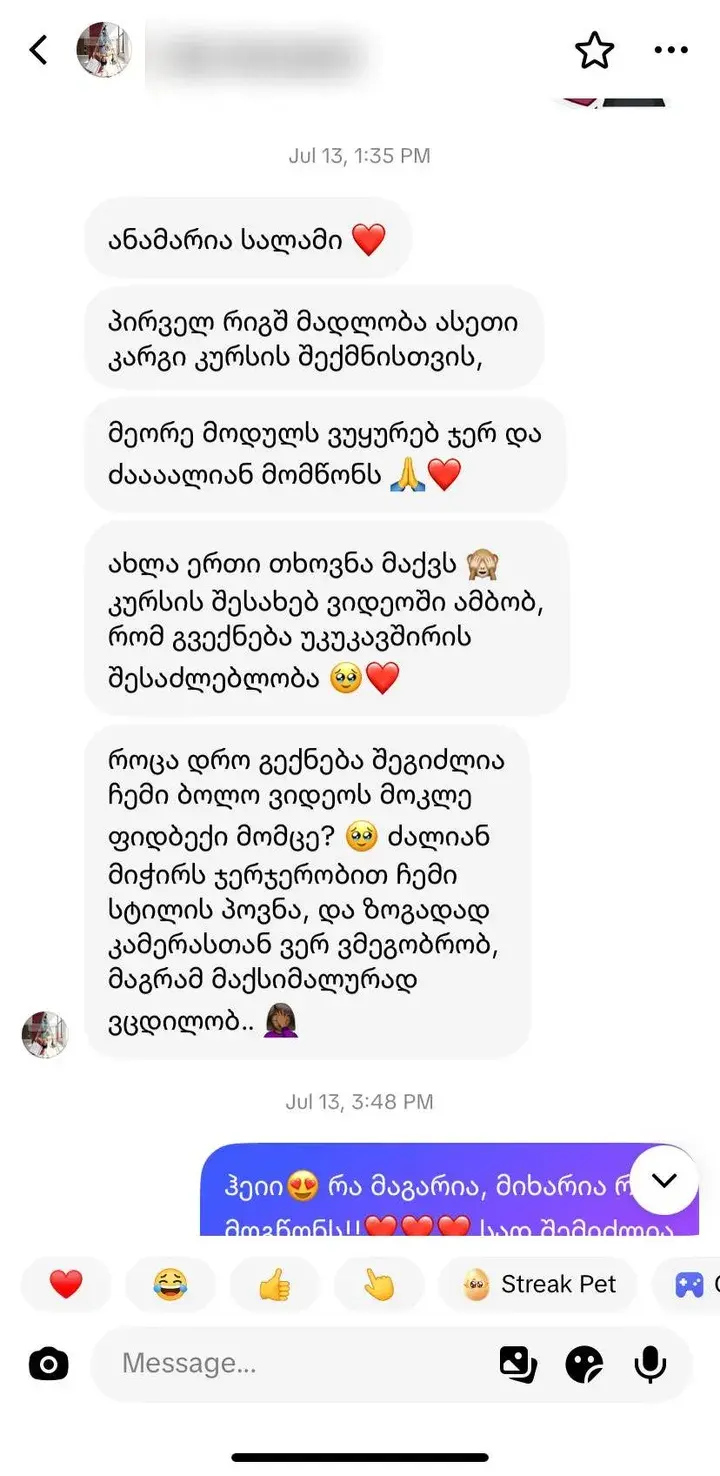
What students say.
Real messages from students who already started the course.
Pricing
Start gets you posting. Pro gets you paid.
Pick where you're starting. You can upgrade later — your progress carries over.
Start
or 74,75 ₾/month
Split payment · 4 months · 0%
- 48 lessons across 6 modules
- The mental game — fear, perfectionism, consistency
- TikTok, Instagram & YouTube algorithms decoded
- Ideas and hooks that stop the scroll
- How to film with your phone — light, sound, background
- CapCut editing from scratch
- Lifetime access
Most Popular
Pro
or 124,75 ₾/month
Split payment · 4 months · 0%
- Everything in Start
- 90+ lessons across all 10 modules
- ''DaVinci Resolve'' — professional editing & color
- Your visual brand — thumbnails, identity, design
- Analytics & growth — what actually moves the numbers
- ''AI tools'' & workflow — work in half the time
- ''Monetization'' — brand deals, affiliate, AdSense, digital products
- Lifetime access
14-Day Money Back Guarantee
FAQ
Common questions.
Yes. The Start tier is designed for absolute beginners. We start with what gear you already have (your phone) and walk through your first 10 videos step by step.
The Pro tier goes deep into DaVinci Resolve, analytics interpretation, AI workflows, and monetization — areas most creators are weak in.
Georgian. All video lessons are in Georgian. Course materials and the platform interface are available in English as well.
Plan for 3-5 hours per week to watch lessons and 2-4 hours to apply them. The course runs over ~16 weeks with content released gradually so you do not get overwhelmed.
Released weekly. We believe in actually applying material, not binge-watching it. Lifetime access means you can revisit at your own pace after release.
Ready to start?
Your next chapter starts here
or watch 2 free lessons →Secure payment by card. All sales final.